Single Channel vs Dual Channel RAM: Does It Actually Matter?
2026-03-15
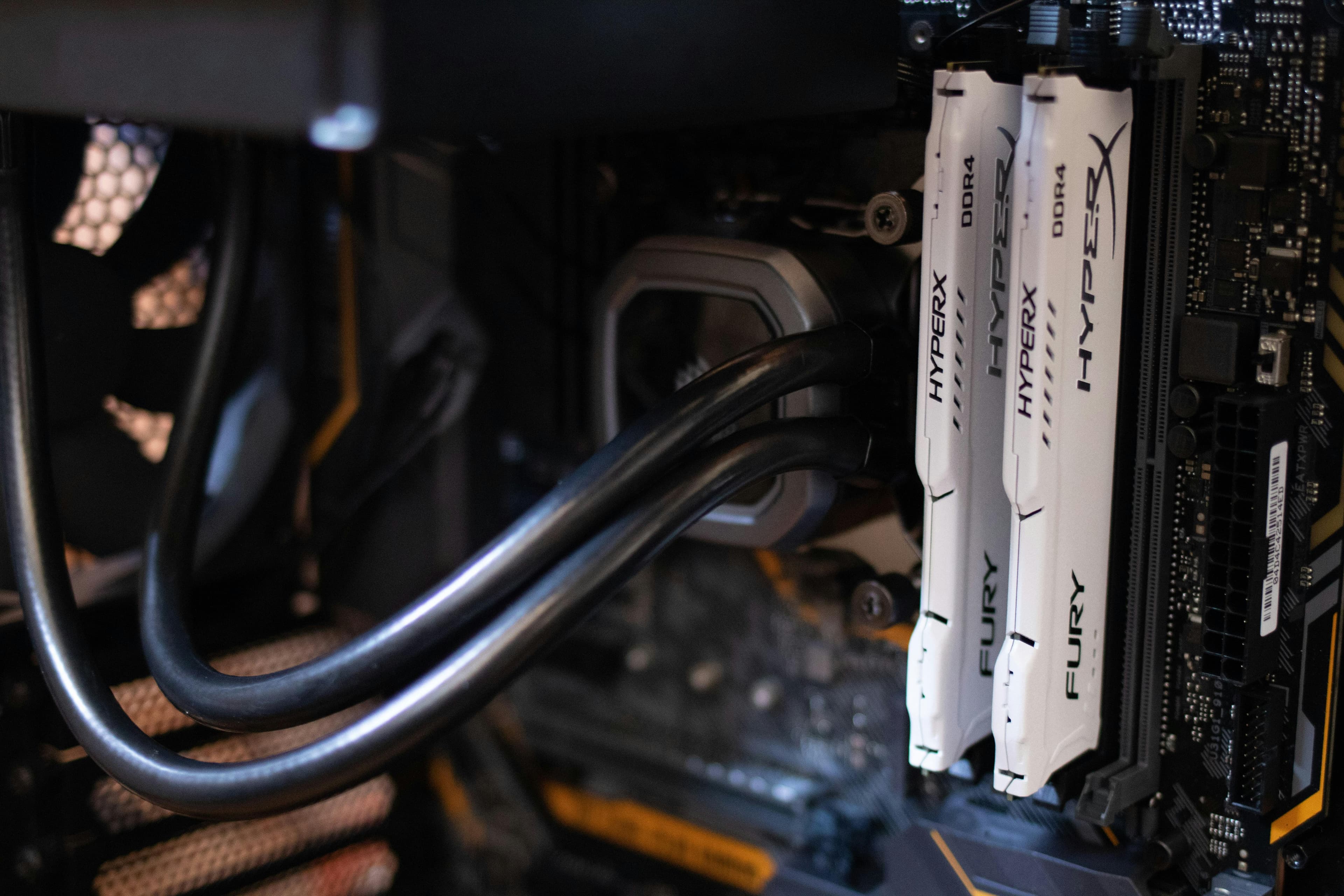
Single Channel vs Dual Channel RAM: Does It Actually Matter?
When upgrading or buying a laptop or PC, you might see terms like single channel and dual channel RAM.
At first glance they sound like marketing jargon — but they actually impact how fast your system can access memory.
In this guide we'll explain:
- What single channel RAM is
- What dual channel RAM is
- Real-world performance differences
- Whether upgrading is worth it
What Is Single Channel RAM?
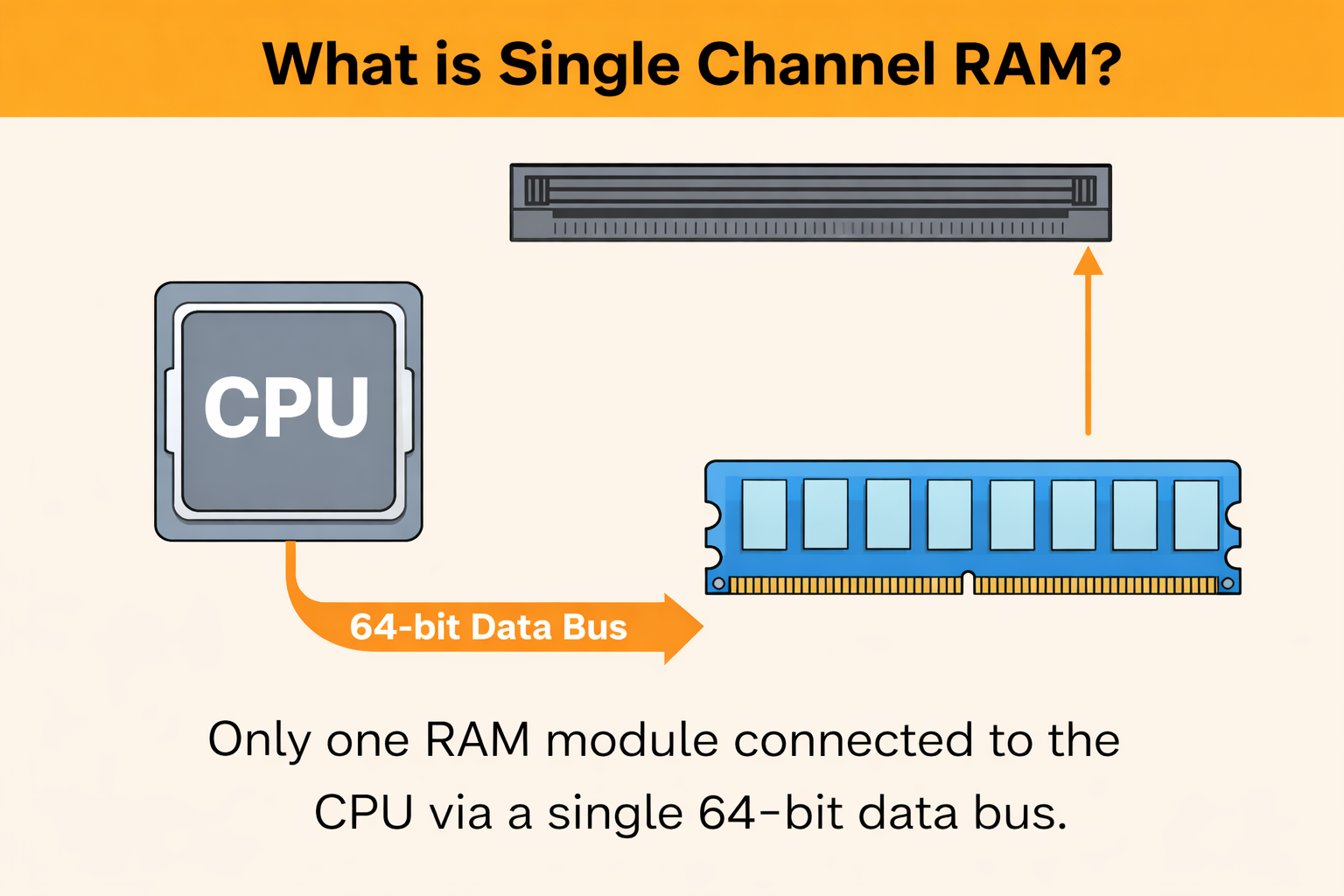
Single channel RAM means the system is using only one memory channel to communicate between the RAM and the CPU.
Most motherboards have multiple memory channels, but if only one RAM stick is installed, the system typically runs in single channel mode.
Characteristics
- One RAM module installed
- Lower memory bandwidth
- Slightly lower performance in some workloads
Example Setup
| Configuration | Mode |
|---|---|
| 1 × 8GB RAM | Single Channel |
| 1 × 16GB RAM | Single Channel |
What Is Dual Channel RAM?
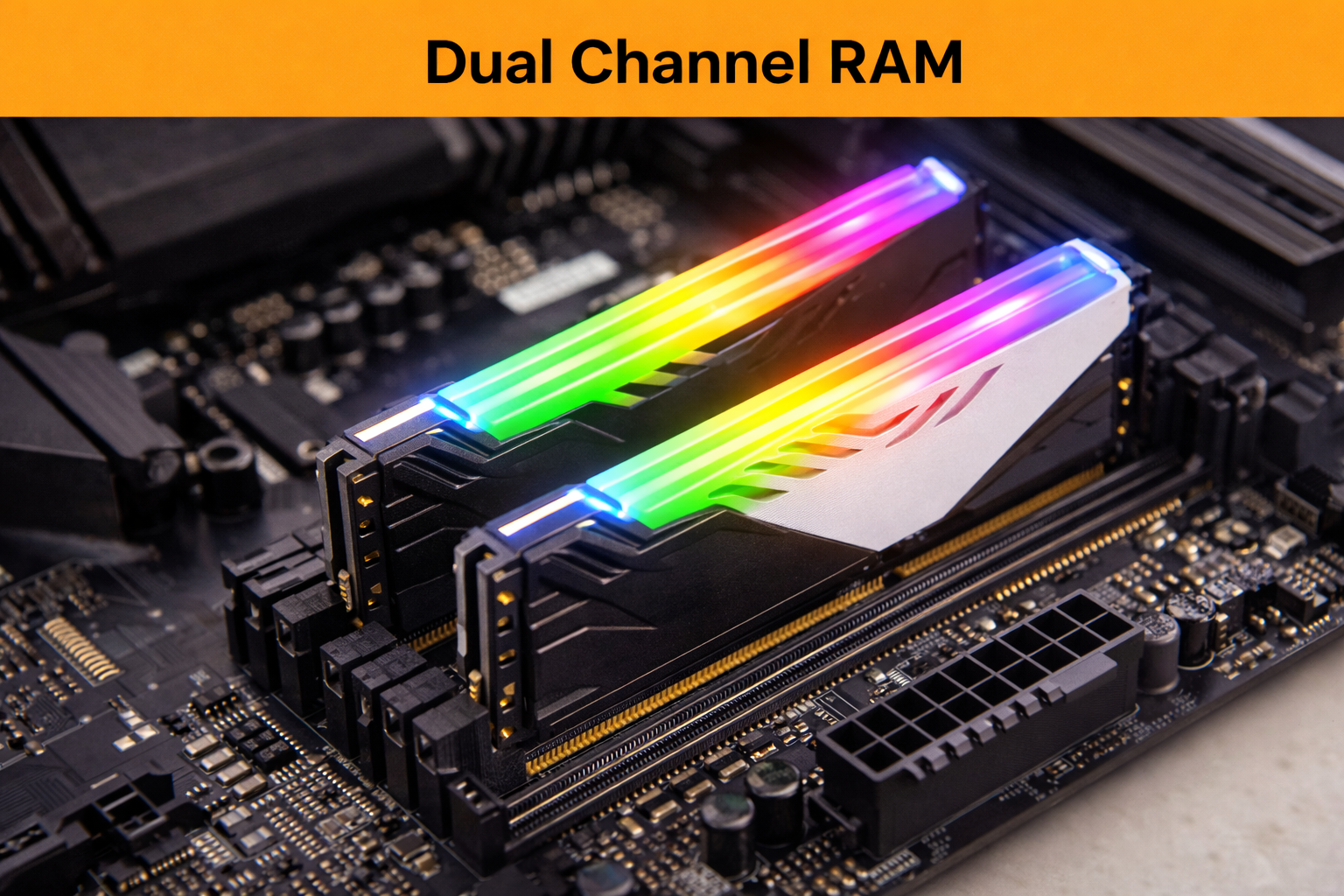
Dual channel RAM uses two memory channels simultaneously, allowing the CPU to access data from two RAM modules at the same time.
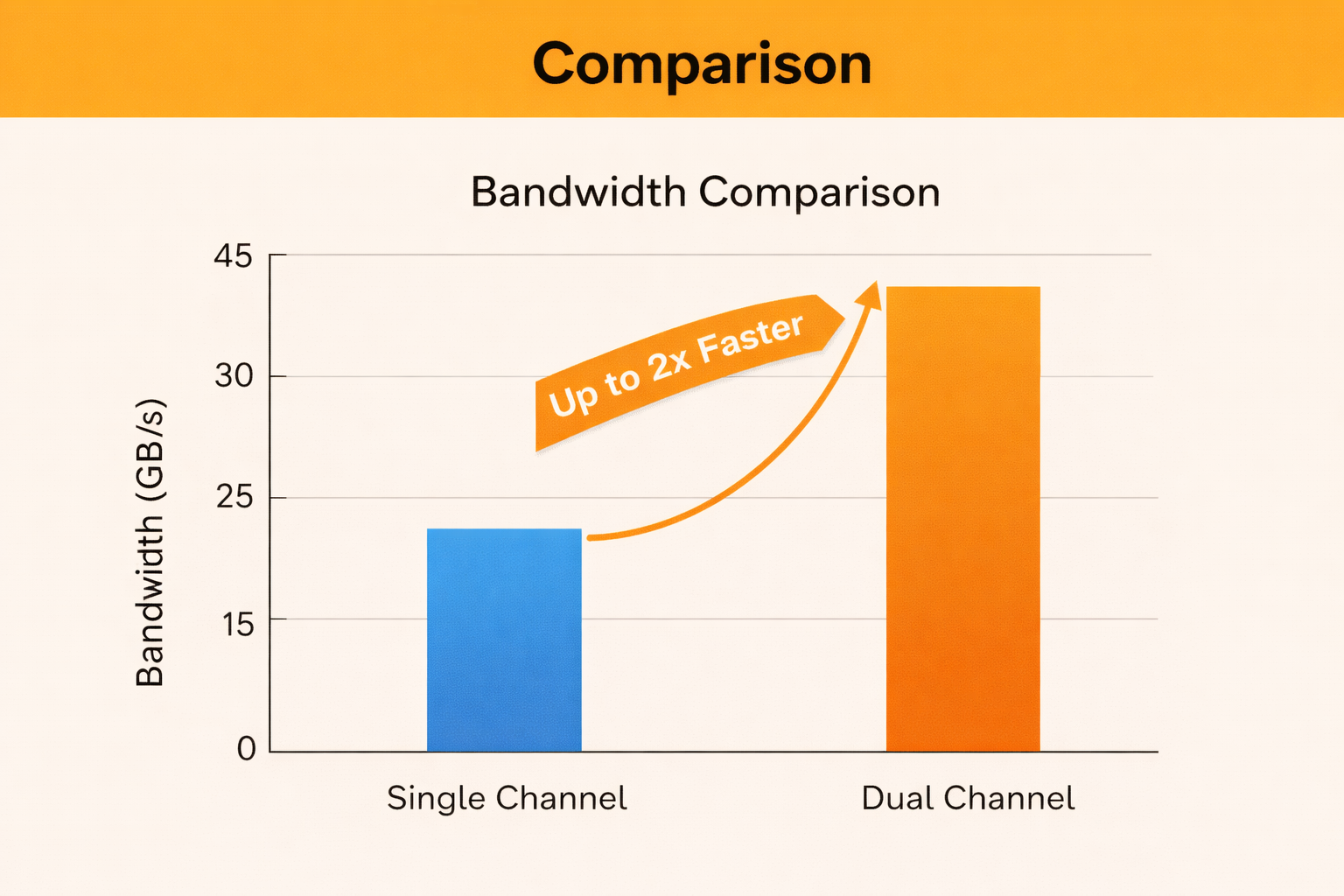
This effectively doubles the memory bandwidth compared to single channel configurations.
Characteristics
- Two RAM modules installed
- Higher memory bandwidth
- Better performance in memory-heavy tasks
Example Setup
| Configuration | Mode |
|---|---|
| 2 × 8GB RAM | Dual Channel |
| 2 × 16GB RAM | Dual Channel |
Single Channel vs Dual Channel RAM
Here’s a quick comparison.
| Feature | Single Channel | Dual Channel |
|---|---|---|
| RAM Modules | 1 | 2 |
| Memory Bandwidth | Lower | Higher |
| Gaming Performance | Lower | Better |
| Multitasking | Slower | Faster |
| Cost | Cheaper initially | Slightly higher |
Real-World Performance Difference
The actual difference depends on the type of workload.
Gaming
Games that rely on CPU and memory bandwidth benefit from dual channel memory.
Typical improvement:
5% – 20% performance increase
Integrated Graphics
If your laptop uses integrated graphics (like Ryzen Vega or Intel Iris), dual channel RAM can improve performance dramatically.
In some cases:
20% – 40% GPU performance improvement
Everyday Use
For browsing, coding, and office tasks, the difference is smaller but still noticeable in multitasking.
Should You Upgrade to Dual Channel RAM?
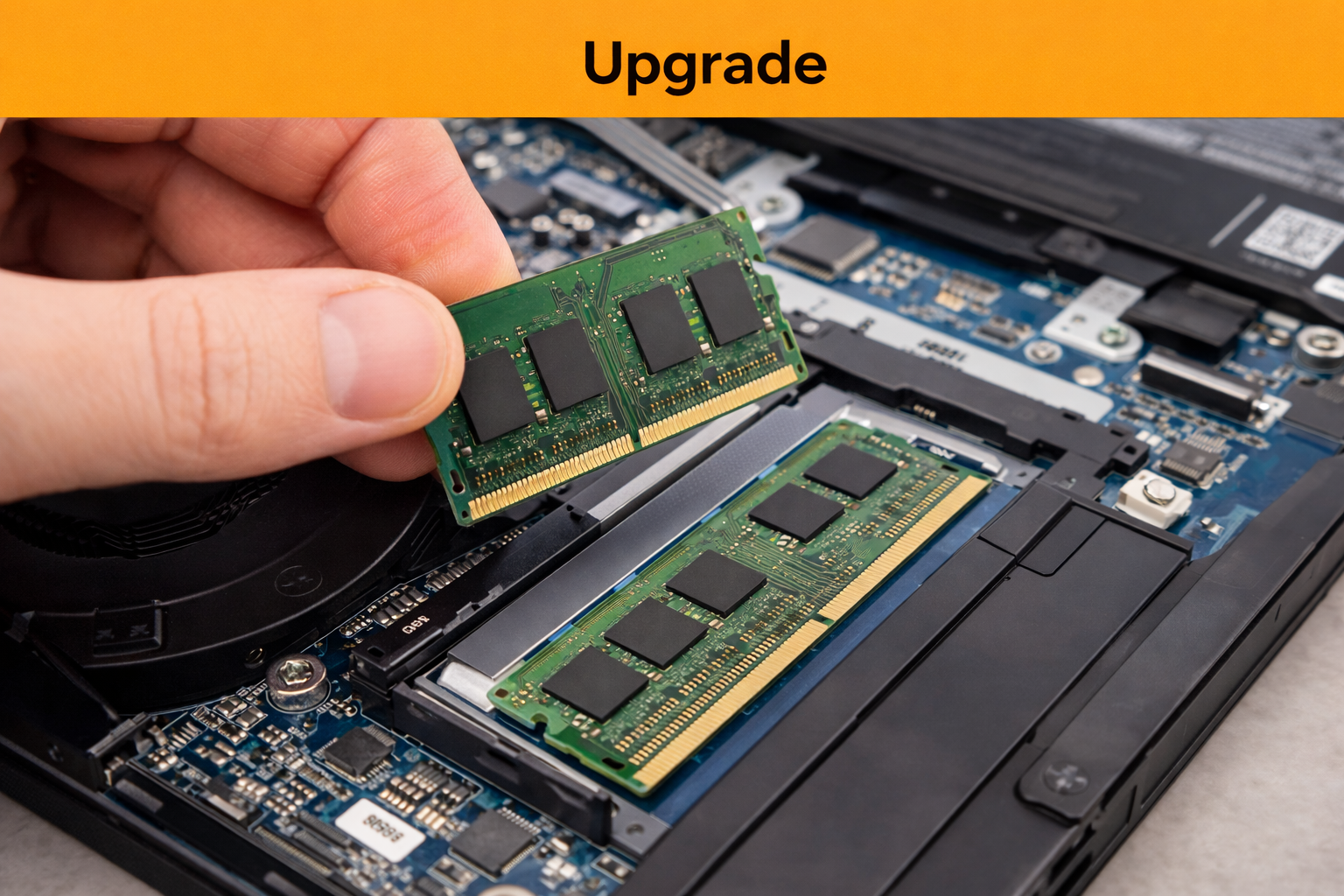
If your system currently runs a single RAM stick, adding another identical stick can provide a noticeable boost.
Upgrading makes the most sense if you:
- Play games
- Use integrated graphics
- Run heavy applications
- Do video editing or development work
For many laptops and PCs, this is one of the cheapest performance upgrades available.
Tips for Dual Channel RAM
To get proper dual channel performance:
- Use matching RAM sizes (e.g., 8GB + 8GB)
- Prefer same speed and brand
- Install RAM in the correct motherboard slots
Most motherboards mark the correct slots as A1 / B1 or A2 / B2.
Final Thoughts
Single channel RAM works fine for basic usage, but dual channel unlocks the full potential of your memory bandwidth.
If your system allows it, installing a second RAM stick is a simple and cost-effective way to boost performance.
From my personal experience, this upgrade made a noticeable difference. I use a Ryzen 5 5500U laptop with Radeon Vega 7 integrated graphics, primarily for web development and casual gaming. After upgrading to dual channel RAM, I observed roughly 10–20 FPS improvements in several games.
Some of the titles where the difference was noticeable include:
- Assassin’s Creed III
- Assassin’s Creed IV: Black Flag
- Assassin’s Creed Syndicate
- Grand Theft Auto titles
- Competitive games like Overwatch 2 and Rocket League
While the exact improvement depends on the game and system configuration, dual channel RAM can significantly help systems that rely on integrated graphics, since the GPU shares system memory.
In my case, it turned out to be one of the most worthwhile and inexpensive upgrades I could make to my laptop.