Air Cooler vs Liquid Cooler for Gaming PCs: Real Differences
2026-03-15
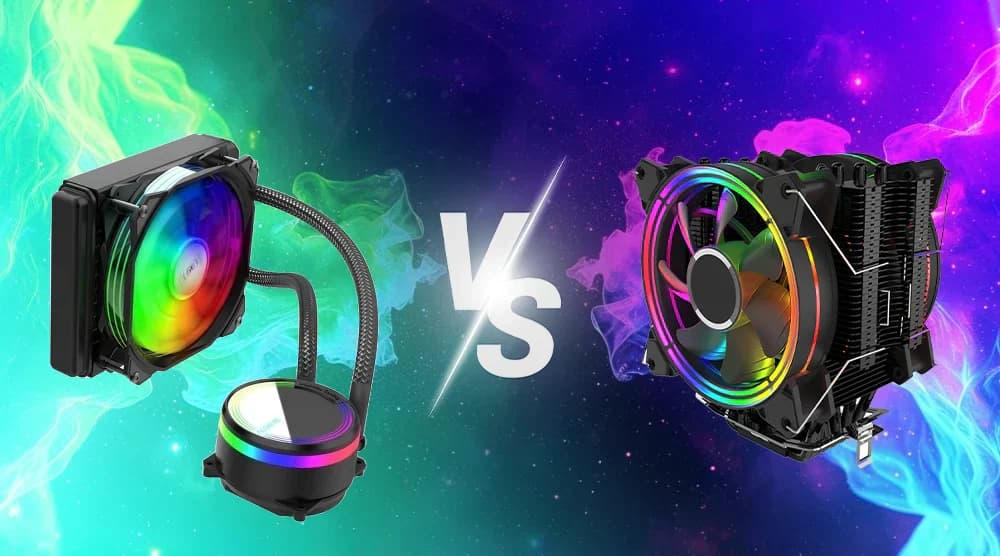
Air Cooler vs Liquid Cooler for Gaming PCs: Real Differences
Choosing the right CPU cooler is an important decision when building a gaming PC. Your cooling system affects temperature, performance, noise levels, and long-term reliability.
Two of the most common options are air coolers and liquid coolers (also known as AIO – All In One coolers).
In this guide, we'll compare both cooling solutions and help you decide which one makes more sense for your gaming PC.
What is an Air Cooler?
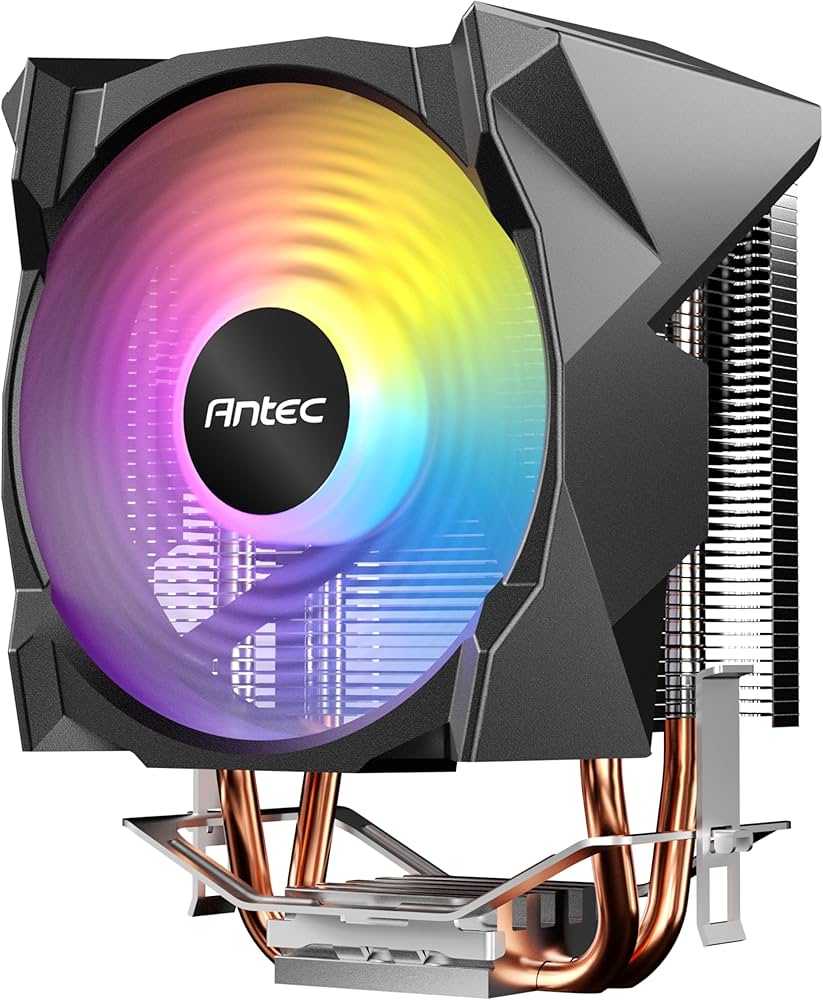
An air cooler uses a combination of metal heatsinks and fans to dissipate heat away from the CPU.
Heat travels from the CPU into a metal base plate and heat pipes, which move the heat into aluminum fins. A fan then pushes air through these fins to carry the heat away.
Advantages of Air Coolers
- Generally more affordable
- Very reliable with fewer failure points
- Easier to install
- Minimal maintenance required
Disadvantages
- Larger models can be bulky
- Cooling performance may be slightly lower than high-end liquid coolers
- Can block RAM clearance in smaller cases
What is a Liquid Cooler?
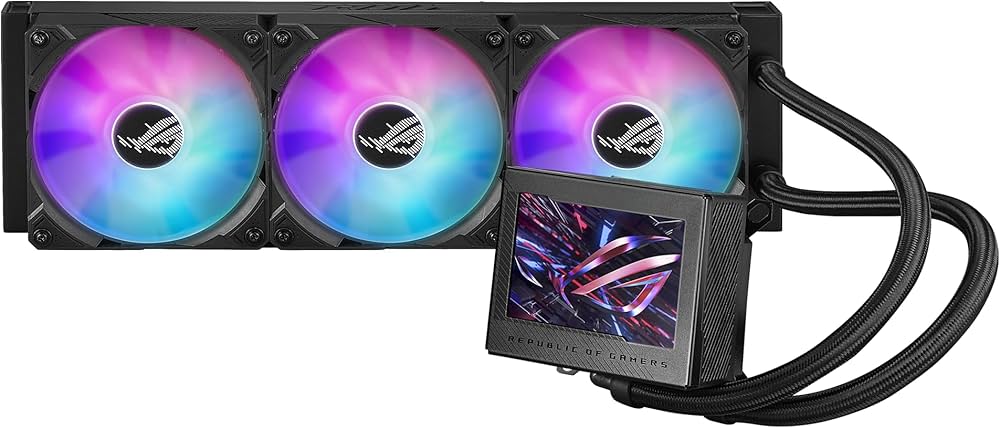
A liquid cooler uses a pump, radiator, and coolant to move heat away from the CPU.
Heat is transferred into a liquid block mounted on the CPU. The liquid then moves through tubes to a radiator, where fans dissipate the heat.
Most gaming PCs use AIO (All-In-One) liquid coolers, which come pre-sealed and ready to install.
Advantages of Liquid Coolers
- Often better cooling performance
- Helps maintain lower CPU temperatures under heavy loads
- Cleaner visual appearance for modern builds
- Better suited for overclocking
Disadvantages
- Usually more expensive
- Slight risk of pump failure
- Installation can be more complex
Cooling Performance Comparison
In gaming workloads, both cooling solutions perform well. However, high-end liquid coolers tend to provide slightly lower temperatures, especially when the CPU is under heavy load.
Typical results in gaming scenarios:
| Cooler Type | Average Gaming Temp |
|---|---|
| Air Cooler | 60–75°C |
| Liquid Cooler | 55–70°C |
For most gamers, both options are more than sufficient if the cooler is properly sized for the CPU.
Noise Levels
Noise levels depend on fan speed and cooler design.
Air coolers usually rely on one or two fans, while liquid coolers include radiator fans plus a pump.
| Cooling Type | Noise Characteristics |
|---|---|
| Air Cooler | Quiet at low loads |
| Liquid Cooler | Can be quieter under heavy loads |
High-quality air coolers can be extremely quiet, while some liquid coolers may produce pump noise.
Installation Difficulty
Installation is another factor to consider when building a gaming PC.
Air Coolers
- Usually easier to install
- Mount directly on CPU socket
- No radiator placement needed
Liquid Coolers
- Require mounting a radiator to the case
- Tube positioning must be considered
- Slightly more complex setup
For beginners, air coolers are often simpler.
Price Comparison
| Cooling Type | Typical Price Range |
|---|---|
| Air Cooler | $20 – $80 |
| Liquid Cooler (AIO) | $70 – $200 |
Air coolers generally offer better value, while liquid coolers are often chosen for performance and aesthetics.
Which Cooler Should You Choose?
Choose an Air Cooler if you want:
- Affordable cooling
- Simple installation
- Reliable long-term operation
Choose a Liquid Cooler if you want:
- Lower temperatures under heavy load
- A cleaner or more premium-looking build
- Better support for CPU overclocking
Final Thoughts
Both air coolers and liquid coolers can keep a gaming CPU running safely. For most gaming PCs, a good quality air cooler is already sufficient.
However, if you're building a high-end gaming system or planning to overclock, a liquid cooler can provide extra thermal headroom and a modern aesthetic.
The best choice ultimately depends on your budget, case size, and performance goals.